Data-driven signage
Keep menus, prices, and offers up to date
A price changed in a business system can leave yesterday's value on a screen if the menu is maintained as a separate image. The same problem affects offers, availability, and product information, especially when stores or venues use different local values.
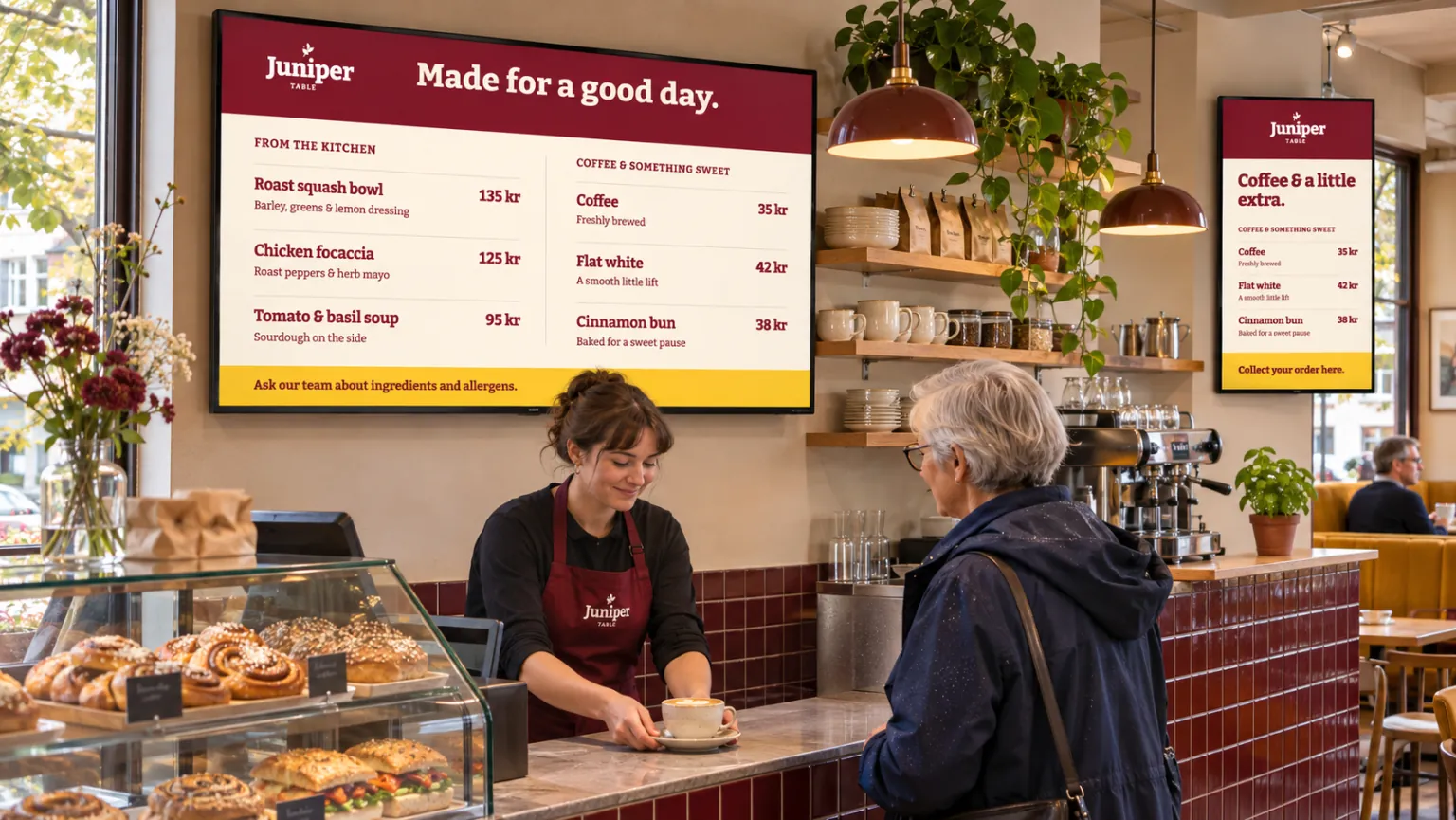
Separate the menu's design from its changing text and prices. Then choose who updates those values: local staff, or the system where the information is already maintained. The choice depends on where the information lives and how often it changes; a small menu maintained on site may not need an integration.
Let staff maintain a small menu directly
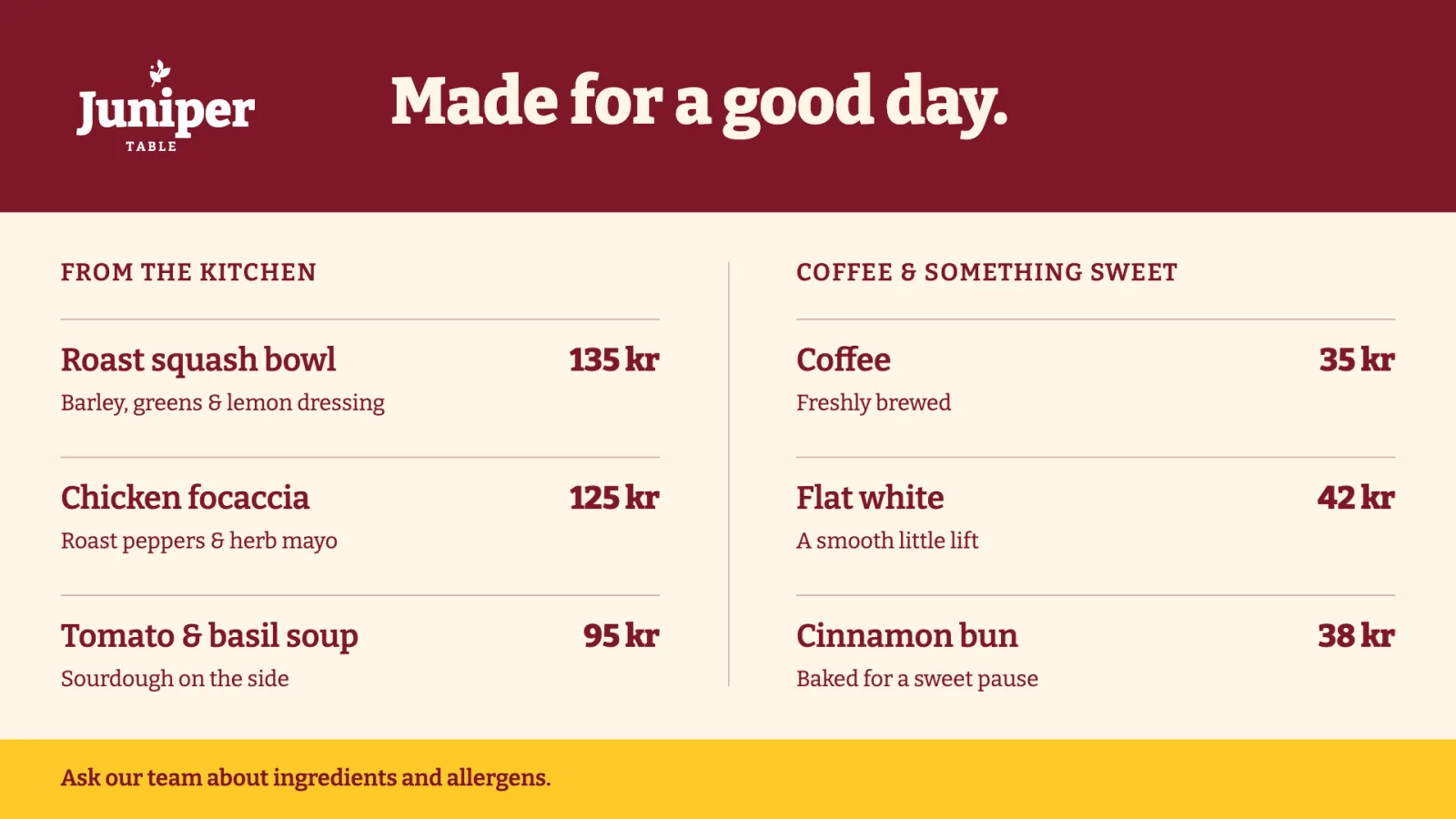
Prepare a template for the screen's orientation, apply a Template Theme, and expose the supported text and price fields through Quick edit. Smart media makes the design playable on the menu or promotional channel. Staff can update the fields they need while designers maintain the presentation.
This approach suits a restaurant's daily offers or another board whose owner already maintains the information locally. Reusable branded designs explains the shared appearance, while Quick edit explains how to expose fields for everyday updates.
Use the business source when it already owns the values
When operations staff maintain prices or availability in a POS, ERP, e-commerce, or menu system, first check what that system can supply. There is no built-in connector for every product. Confirm a supported source, configure it, and test the connection before planning around automatic updates.
| Available information | Approach to consider |
|---|---|
| Structured menu, product, or offer values | A Template Data Source feeds fields in the screen design. |
| A repeating list supplied through RSS | Connect that RSS source to the design. If staff maintain the list in Publisher, a Smartsign feed is an alternative. |
| A hosted menu or promotional page | Use webpage media in a suitable Live or Snapshot mode. |
Hosted pages have their own authentication and playback conditions. Partner integrations need separate configuration and ownership. Marketing, store operations, IT, and partners should agree who maintains the source and how often connected values refresh; screen layout, targeting, and bookings remain managed in Publisher.
Reuse the design with values appropriate to each location
A retail team can prepare one menu or offer design, using each store's data source or permitted editable fields. A shared theme supplies the presentation, and the resulting smart media is published through the store's menu or promotional channel. This keeps local prices and product availability relevant without recreating the layout at each store.
Restaurants and hospitality venues can use the same approach for menus and daily offers. Healthcare or resident facilities may need related menu and activity-schedule formats. The content and responsibility differ, even where the design is reusable.
Where several designs need the same information and connection settings, shared data connections avoid configuring each design separately. Template Creator covers connecting the source to a design.
Timeline animations can guide attention through a promotion. A shop might reveal the product image first, followed by its price and offer, using separate start times and entrance and exit animations. Configure that sequence in the design; Timeline animations explains the tools.
Check a real update on the screen
Before reusing the content more widely, change a representative price or offer at its source and check the actual screen. Confirm that its orientation, presentation, and updated value are correct, and that the team knows who owns future data changes and who maintains the booking. That check matters for both an editable board and connected content.
For related applications, browse the other use cases.